
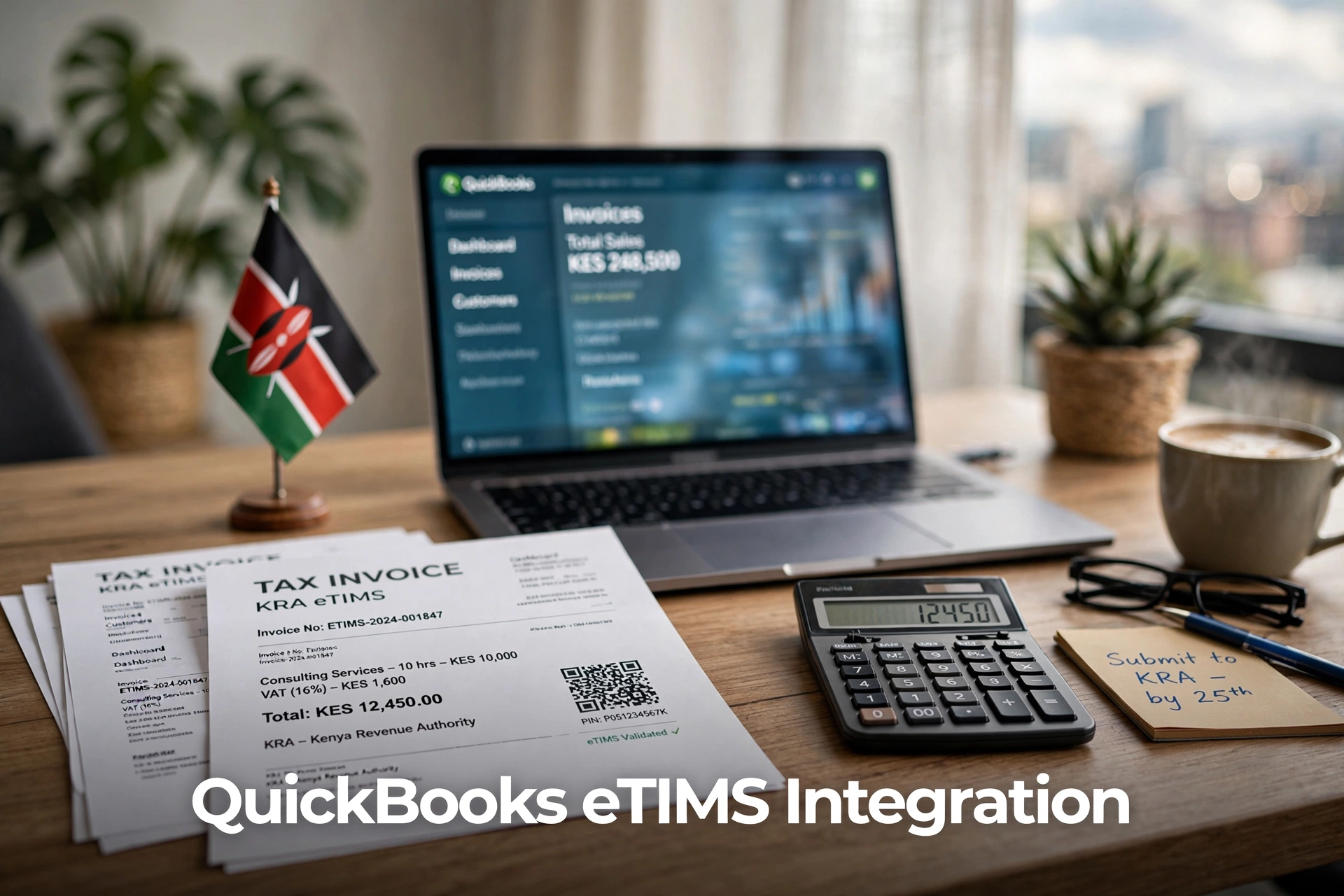
If your business uses QuickBooks, creating an invoice there does not automatically mean the invoice has been sent to KRA eTIMS.
QuickBooks manages your accounting records, while eTIMS handles electronic tax invoices. To make the two systems work together, you normally need a compatible connector or system-to-system integration.
The setup is not necessarily difficult, but you must choose the right solution for your version of QuickBooks. A connector built for QuickBooks Online may not work with QuickBooks Desktop, and a provider that supports one Desktop edition may not support another.
Here is how the process works and what you should check before connecting your account.
Can QuickBooks Connect Directly to eTIMS?
QuickBooks does not have one standard eTIMS connection that works for every Kenyan business.
In practice, invoice information is usually transferred through:
- A third-party QuickBooks eTIMS app
- A locally installed connector for QuickBooks Desktop
- A custom API integration for larger businesses
The QuickBooks App Store currently lists a TIMS application that advertises KRA VAT submissions and tax-compliant invoices, cash sales and credit notes. However, businesses should still confirm its current compatibility, support and KRA approval status before installation.
KRA also supports direct system-to-system integration through OSCU and VSCU. OSCU is intended for invoicing systems that operate online, while VSCU is designed for bulk invoicing and systems that may not always be online.
Before starting, it helps to understand what eTIMS is in Kenya and which eTIMS solution your business is currently using.
What You Need Before the Integration
Do not purchase a connector before checking your existing setup.
Start by confirming whether you use:
- QuickBooks Online
- QuickBooks Desktop Pro
- QuickBooks Desktop Premier
- QuickBooks Enterprise
- A hosted QuickBooks Desktop company file
For QuickBooks Desktop, the provider may also need to know the edition, release year, country version and Windows version.
You should also have your eTIMS registration information ready, including your KRA PIN, business name, branch details and VAT status.
Finally, review your QuickBooks data. Check that product names, prices, tax codes, customer details and units of measurement are correct.
An integration will not clean inaccurate records. It will simply send those inaccurate records to another system.
For example, if the same product is recorded as “A4 Paper,” “Printing Paper” and “A4 Printing Paper,” the connector may treat them as three separate items. Clean this information before issuing live invoices.
How to Link QuickBooks Online to eTIMS
The exact screens depend on the connector you choose, but the basic process is usually the same.
1. Choose a Compatible Provider
Look for a provider that specifically supports QuickBooks Online and KRA eTIMS.
Ask the provider:
- Is the integration currently approved for use with eTIMS?
- Does it support invoices, cash sales and credit notes?
- Are invoices transmitted automatically or manually?
- Can it handle multiple branches?
- How are rejected invoices corrected?
- Are training and technical support included?
- What are the setup and recurring costs?
Do not accept “KRA compliant” as a complete answer. Ask the provider to demonstrate a live or test invoice moving from QuickBooks to eTIMS.
2. Authorize the QuickBooks Connection
The provider will normally direct you to an Intuit sign-in page.
Log in to the correct QuickBooks account, select the company you want to connect and review the permissions requested by the app.
Depending on the connector, it may need access to:
- Customers
- Products and services
- Invoices
- Sales receipts
- Credit notes
- Tax information
Make sure you are connecting the correct company. Businesses with several QuickBooks companies sometimes authorize the wrong file and only notice after testing begins.
3. Enter Your eTIMS Details
The provider will then configure the eTIMS side of the connection.
You may be asked for your:
- KRA PIN
- Branch information
- eTIMS registration details
- Integration credentials
- Invoice transmission settings
Use the provider’s official onboarding process. Do not send administrator passwords or sensitive credentials through an ordinary WhatsApp message.
4. Map Products and Taxes
Mapping tells the connector how QuickBooks records should appear in eTIMS.
The setup may include mapping:
- Products and services
- VAT rates
- Units of measurement
- Customer details
- Discounts
- Payment methods
- Branches
- Credit note reasons
This step matters more than most businesses realise. The software may connect successfully while still producing incorrect VAT amounts because the tax codes were mapped badly.
5. Submit a Test Invoice
Create a simple test invoice with one or two products.
Check the customer information, quantity, unit price, VAT rate, discount and total before sending it.
After submission, confirm that the connector has returned an eTIMS response. Depending on the solution, this may include a successful status, invoice reference or QR code.
Do not assume an invoice reached KRA simply because it was saved in QuickBooks.
6. Test a Credit Note
Create a credit note against the test invoice and check that it refers to the correct original transaction.
This test is essential. KRA states that although taxpayers can access invoices created through different eTIMS solutions, a credit note must be generated through the same solution that issued the original invoice.
A connector that handles invoices but not credit notes properly is not ready for normal business use.
How to Link QuickBooks Desktop to eTIMS
QuickBooks Desktop normally requires a connector installed on the computer or server that stores the company file.
Before installation, create a full backup of the QuickBooks file.
Then give the provider your exact QuickBooks edition and version. Saying only that you use “QuickBooks Desktop” is not enough because compatibility varies between products and release years.
Once installed, the connector will request permission to access the company file. Confirm the application name before granting access and avoid unofficial or modified installers.
The provider will then map your products, customers and taxes before submitting test transactions.
Your testing should include:
- A standard invoice
- A cash sale
- A discounted invoice
- A credit note
- A failed or interrupted submission
- Reprinting an existing invoice
Reprinting an invoice should not create a second eTIMS transaction.
When a Custom API Integration Makes Sense
Most small businesses do not need a custom integration. A ready-made connector is usually cheaper and easier to maintain.
A custom API connection may make sense when your business has:
- Several branches
- A high daily invoice volume
- Ecommerce orders
- A custom ERP or billing platform
- Complex inventory
- Multiple sales channels
- An internal software team
KRA allows businesses to integrate their invoicing systems through OSCU or VSCU. The solution must be developed and tested in the eTIMS sandbox before applying for certification.
A proper custom integration should do more than send invoices. It should also prevent duplicates, record errors, retry failed transactions, handle credit notes and provide reconciliation reports.
The technical process is covered further in this guide to the KRA eTIMS integration API.
Common Problems to Watch For
Invoice Appears in QuickBooks but Not in eTIMS
Check the connector dashboard before creating another invoice.
The transaction may be pending, rejected or waiting for the internet connection to return. It may also contain a missing tax code or incomplete product record.
Creating the invoice again without checking can result in a duplicate.
VAT Amounts Do Not Match
Check whether the prices are tax-inclusive or tax-exclusive and whether the correct VAT code was selected.
Discounts and rounding rules can also cause small differences between QuickBooks and eTIMS.
Compare the taxable amount, VAT amount and final total separately.
Credit Note Is Rejected
Confirm that the credit note refers to the original eTIMS invoice and is being submitted through the same invoicing solution.
Do not simply create a negative invoice unless your approved workflow specifically supports it.
Connector Stops Working
For QuickBooks Online, the authorization may need to be renewed.
For QuickBooks Desktop, check whether the connector service is running, whether the company file is available and whether a QuickBooks or Windows update has affected the integration.
How Much Does QuickBooks eTIMS Integration Cost?
There is no standard price.
The total cost may include:
- Initial installation
- Product and tax mapping
- Data cleanup
- Staff training
- Monthly or annual subscription
- Additional branch charges
- Transaction fees
- Support and maintenance
Ask for a written quotation showing both the initial and recurring costs.
A cheap connector is not a good deal if it cannot process credit notes, identify failed invoices or provide support when something goes wrong.
Is QuickBooks Integration Always the Best Option?
Not necessarily.
Connecting QuickBooks to eTIMS makes sense when your team already uses QuickBooks effectively and wants to avoid entering the same invoice twice.
However, another accounting system may be more practical if your QuickBooks version is outdated, the connector is expensive or your business needs built-in Kenyan tax, payroll, POS or inventory features.
Before paying for a complicated setup, compare it with other eTIMS-compliant accounting software in Kenya.
The real question is not whether QuickBooks can be connected. It is whether the connection will remain reliable and affordable for your business.
Frequently Asked Questions
Can QuickBooks Online be linked to eTIMS?
Yes. It can be linked through a compatible third-party connector or custom integration.
Does QuickBooks automatically send invoices to KRA?
No. An invoice saved in QuickBooks is only transmitted to KRA when a suitable eTIMS integration has been installed and configured.
Can QuickBooks Desktop connect to eTIMS?
Yes, but it normally requires a locally installed add-on that supports your specific QuickBooks Desktop version.
How can I confirm that an invoice reached eTIMS?
Check the transmission status and eTIMS response returned by the connector. Do not rely only on the invoice status shown inside QuickBooks.
Final Word
To link QuickBooks to eTIMS, start by confirming your QuickBooks version and eTIMS registration. Then choose a compatible provider, map your products and taxes, and test both invoices and credit notes before going live.
For most small businesses, a ready-made connector will be more practical than a custom API.
Whatever option you choose, check failed transactions regularly and reconcile QuickBooks sales with eTIMS invoices. The purpose of integration is to reduce duplicate work without losing control of your tax records.

Charles Brook is the Founder of Vantiro Media and a University of Nairobi (B.Com) graduate. As a business software specialist, he helps Kenyan SMEs navigate eTIMS compliance, compare tools like QuickBooks, Zoho, & Sage, and choose the best budget-friendly accounting systems.
Kenya SME Software Brief
Need Help Choosing Accounting Software in Kenya?
Get simple buying tips, eTIMS guidance, VAT record advice, pricing comparisons, and software recommendations for Kenyan SMEs.
- eTIMS tips
- VAT records
- Pricing guides
- Software comparisons
No spam. Just useful Kenya business software updates and simple accounting guides.
Free Checklist