
Written by Charles Brook, Founder of Vantiro Media and Business Software Specialist
Managing invoices should not take more time than running the business itself. Yet many Kenyan businesses still create an invoice in their accounting software and then enter similar information again for tax compliance.
That duplicate work is one reason businesses are looking into Zoho Books eTIMS integration.
Zoho Books gives businesses a central place to manage invoices, expenses, customers, payments and basic inventory. When it is connected correctly with eTIMS, the invoicing process becomes more organised and there is less need to repeat the same work across different systems.
The important word here is “correctly.” Connecting Zoho Books to eTIMS will not automatically fix incomplete customer records, wrong tax settings or poorly organised product data.
What Is Zoho Books eTIMS Integration?
eTIMS is the electronic Tax Invoice Management System used by the Kenya Revenue Authority for electronic invoicing.
Zoho Books is a cloud-based accounting platform that businesses can use to prepare invoices, record expenses, manage customers, monitor payments and generate financial reports.
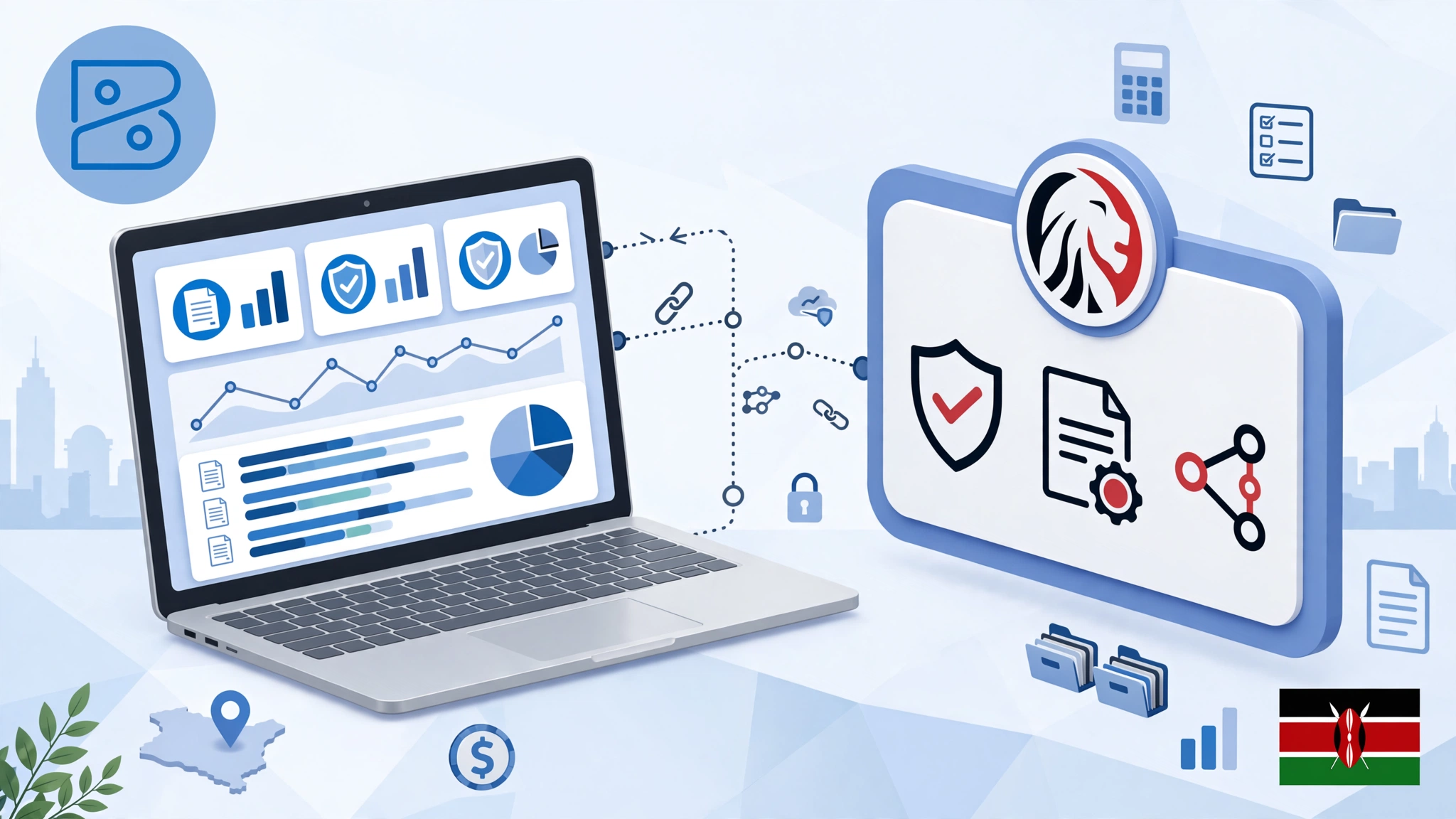
The Zoho Books eTIMS integration brings these two processes closer together. A business can prepare its invoices within Zoho Books and submit the required invoice information through its configured eTIMS connection.
For a small retailer, consultancy, agency or wholesaler, this can be much easier than maintaining separate accounting and tax invoicing routines.
Businesses using a custom ERP, billing platform or in-house invoicing system may need a different setup. In such cases, it is worth understanding how the KRA eTIMS integration API works before choosing between direct integration and ready-made accounting software.
Why Businesses Consider Zoho Books for eTIMS
Consider a business that prepares 30 invoices in one day.
Without a proper integration, an employee may create those invoices in the accounting system and then repeat part of the same process elsewhere. Apart from wasting time, this increases the possibility of errors.
A customer’s KRA PIN may be entered incorrectly. The wrong tax rate may be selected. An item may appear under two different names. The amount submitted for tax purposes may not match the figure recorded in the accounting system.
These mistakes are usually small at first. They become a serious problem when the business tries to reconcile its records at the end of the month.
A properly configured integration can help businesses:
- Reduce repeated invoice entry
- Keep customer and sales records more consistent
- Manage invoices from one accounting platform
- Track payments and outstanding balances
- Organise inventory and branch information
- Reduce avoidable differences between internal and tax records
It is still the responsibility of the business to review its transactions. Software improves the process, but it does not replace accurate bookkeeping.
Clean Your Records Before Connecting eTIMS
Charles Brook, founder of Vantiro Media, highlights a simple but important rule in this guide: do not connect disorganised accounting data to eTIMS and expect a clean result.
Start by checking the legal information saved in your Zoho Books account. Confirm your business name, KRA PIN, VAT status, physical location and branch details.
Next, review your customer records. Remove duplicate entries and check whether important customer information has been entered correctly.
Your product and service list also needs attention. Each item should have a clear name, correct selling price and appropriate tax treatment.
For example, imagine the same product has been saved as “Office Chair,” “Office Chairs” and “Chair – Office.” Staff members may select different versions when preparing invoices. That creates inconsistent sales reports and can also affect inventory figures.
Cleaning your data before the integration may feel like extra work, but it is far easier than correcting dozens of inaccurate transactions later.
How to Set Up Zoho Books eTIMS Integration
The exact options may vary depending on your Zoho Books plan, organisation settings and Kenya edition configuration. However, the general process involves a few important stages.
1. Review Your Business Information
Before enabling the connection, confirm that your business and tax details are accurate. The information in Zoho Books should match the details used in your KRA registration.
Even a minor difference in the business name or branch information may delay the setup.
2. Enable the e-Invoicing Feature
Log in to Zoho Books and open the settings area. Look for the tax compliance, e-invoicing or eTIMS-related section available for Kenyan organisations.
Follow the setup steps carefully and avoid guessing any registration or device information.
3. Complete the Required KRA Process
Depending on the setup, your business may need to complete a registration, approval or service request through the relevant KRA portal.
The details submitted to KRA must match the information entered in Zoho Books.
4. Configure the Correct Branch
Businesses operating from more than one location need to pay particular attention to branch settings.
Check which branch is selected as the primary location and confirm that transactions will be submitted under the correct branch.
A technically successful invoice can still create accounting problems if it is recorded under the wrong location.
5. Test One Invoice First
Do not start with a large batch of invoices.
Create one simple test invoice using a real product or service. Check the customer details, tax amount, total value and branch information before submitting it.
After submission, confirm that the invoice has been processed correctly. Testing one transaction first can prevent an entire day of incorrect invoicing.
Common Zoho Books eTIMS Problems
Most integration problems are caused by incorrect settings or inconsistent data rather than the accounting platform itself.
Common issues include:
- Incorrect tax rates
- Duplicate products or customers
- Missing customer details
- Wrong branch selection
- Inaccurate stock quantities
- Editing an invoice after submission
- Using the wrong process for a credit note
- Differences between KRA and Zoho Books registration details
Businesses should also train the staff responsible for invoicing. Employees need to understand what to do when an invoice is rejected, cancelled or corrected.
If your business is comparing different platforms, this guide on how to link QuickBooks to eTIMS explains how another widely used accounting platform may fit into an eTIMS workflow.
Is Zoho Books Right for Your Business?
Zoho Books may suit small and medium-sized businesses that want cloud accounting, invoicing, expense tracking, payment monitoring and basic inventory tools in one place.
It can be useful for retailers, agencies, consultants, wholesalers and service businesses that are moving away from spreadsheets or manual recordkeeping.
However, companies with complex ERP systems, multiple warehouses, unusual billing processes or highly customised reporting requirements should review their technical needs before changing platforms.
Do not select accounting software only because it offers an eTIMS connection. It must also fit the way your business handles sales, expenses, stock, payments and reporting.
Final Thoughts
A well-configured Zoho Books eTIMS integration can reduce unnecessary administrative work and make electronic invoicing easier to manage.
The best results come from clean records, correct tax settings, careful testing and properly trained staff.
Connect the system only after checking your customer, product and branch data. Test it with a small transaction before using it for daily invoicing. Most importantly, continue reviewing your records after the integration is active.
Technology can make compliance easier, but reliable accounting still depends on the quality of the information entered into the system.

Charles Brook is the Founder of Vantiro Media and a University of Nairobi (B.Com) graduate. As a business software specialist, he helps Kenyan SMEs navigate eTIMS compliance, compare tools like QuickBooks, Zoho, & Sage, and choose the best budget-friendly accounting systems.
Kenya SME Software Brief
Need Help Choosing Accounting Software in Kenya?
Get simple buying tips, eTIMS guidance, VAT record advice, pricing comparisons, and software recommendations for Kenyan SMEs.
- eTIMS tips
- VAT records
- Pricing guides
- Software comparisons
No spam. Just useful Kenya business software updates and simple accounting guides.
Free Checklist