
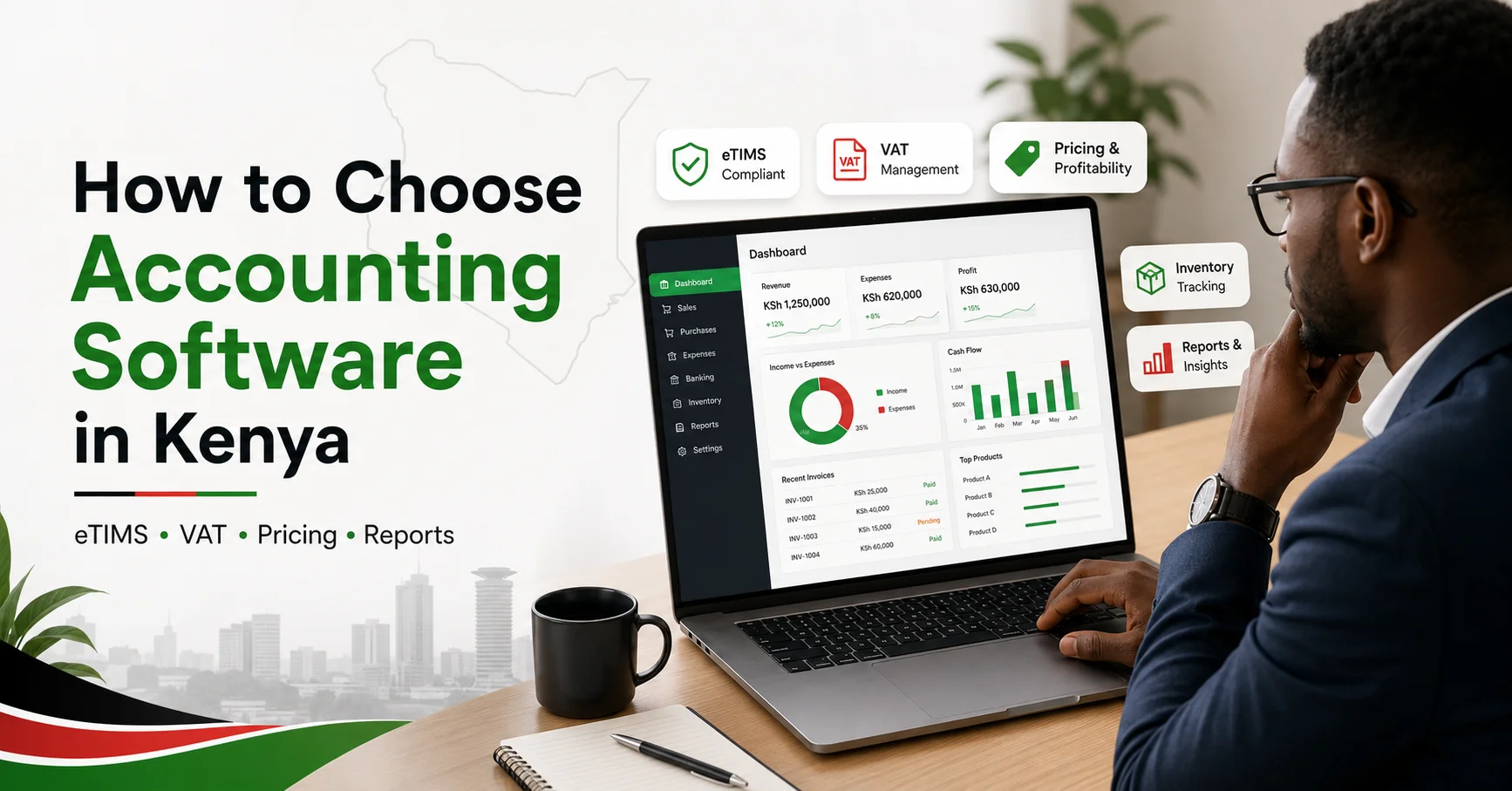
Choosing the right accounting software in Kenya is important for small businesses, retailers, wholesalers, consultants, and growing SMEs. A good accounting system helps you manage invoices, expenses, VAT, inventory, reports, tax records, and business performance with fewer mistakes.
Many business owners choose software only because it is popular or cheap. That is not a smart method. The best accounting software is the one that fits your business type, tax needs, daily workflow, team skills, and future growth.
Why Accounting Software Matters in Kenya
Accounting software is no longer just a tool for recording sales and expenses. In Kenya, businesses also need to think about tax compliance, electronic tax invoices, VAT records, customer details, supplier balances, and accurate financial reports.
If your records are not organized, it becomes difficult to know whether your business is truly profitable. You may have cash in the bank but still be struggling because of unpaid invoices, supplier debts, poor stock control, or weak expense tracking.
If your business is still using spreadsheets, read this guide on accounting software vs Excel for Kenyan SMEs to understand when Excel becomes risky.
Check eTIMS and Tax Compliance
One of the first things to check is whether the software supports your tax workflow in Kenya. KRA’s official eTIMS page explains that eTIMS is used for electronic tax invoicing, so your accounting process should work smoothly with your invoicing and tax records.
Before choosing software, ask:
Does it support VAT settings?
Can it help with electronic invoice records?
Can it record customer PIN details where needed?
Can it generate useful tax reports?
Can it handle credit notes correctly?
Can it work with eTIMS or an approved integration process?
If your business issues many invoices daily, you should also check whether system-to-system integration is needed. KRA provides guidance on eTIMS system-to-system integration, which is useful for businesses using invoicing, billing, POS, or ERP systems.
For more background, read what eTIMS is in Kenya and this guide on eTIMS-compliant accounting software in Kenya.
Choose Based on Your Business Type
Different businesses need different accounting features. Do not buy software before matching it with your business model.
| Business Type | Must-Have Features | Avoid |
| Retail shop | Inventory, POS support, VAT, daily sales reports | Simple invoice-only tools |
| Freelancer | Invoicing, expenses, bank tracking, client balances | Heavy ERP systems |
| Wholesaler | Stock control, supplier balances, customer credit | Software without inventory |
| Service business | Client invoices, expense tracking, profit reports | Complex tools with unused features |
| Growing SME | Multi-user access, reports, tax support, integrations | Software that cannot scale |
For example, a retail shop in Nairobi should not choose simple invoice-only software if it also needs stock control, POS reports, VAT records, and daily sales summaries. On the other hand, a freelancer may not need a heavy ERP system because invoicing, expenses, and client balances may be enough.
If you are comparing popular tools, this guide on QuickBooks vs Sage vs Zoho Books in Kenya can help you understand the differences. You can also read this article on the best accounting software for small businesses in Kenya.
Compare Cloud and Desktop Software
Cloud accounting software allows you to access your records online from different devices. It is useful if you work with an accountant, manage your business remotely, or need real-time reports.
Desktop accounting software is installed on one computer. Some businesses prefer it, but backups, updates, and remote access can become more difficult.
For most Kenyan SMEs, cloud accounting is usually more practical because it supports collaboration, updates, and easier access. However, if your internet is unreliable, test the software before paying.
Check Ease of Use
Accounting software should make work easier. If your staff cannot use it, the system will fail.
Before buying, test simple tasks:
Create an invoice
Record an expense
Add a customer
Add a supplier
Record a payment
Generate a profit and loss report
Export data for your accountant
If basic tasks feel confusing, do not ignore that warning. A complicated system leads to wrong entries and poor reports.
Look at Reporting Features
Good accounting software should help you make better decisions. At minimum, it should provide:
Profit and loss report
Balance sheet
Cash flow summary
Sales report
Expense report
Customer balances
Supplier balances
VAT or tax reports
Inventory reports, if you sell products
These reports help you understand what is working, what is costing too much, and where your business is losing money.
Review Pricing Properly
Do not choose software only because it looks cheap. Check the full cost.
| Cost Item | Why It Matters |
| Monthly or yearly fee | Main subscription cost |
| Setup fee | Cost of installation and configuration |
| Training cost | Helps staff use the system correctly |
| Extra users | Important for growing teams |
| Inventory add-on | Needed for product-based businesses |
| Payroll add-on | Needed if you manage employees |
| Support fee | Some providers charge extra |
| Data migration | Needed when moving from Excel or old software |
Cheap software is not useful if it cannot handle your daily work. Expensive software is also wasteful if your business only needs basic bookkeeping.
Check Support and Security
Support is important. When invoices, reports, or user access fail, you need quick help.
Choose software with reliable customer support, training options, backup features, user permissions, and data export options. If multiple employees use the system, each person should only access what they need.
Security matters because accounting data includes customers, suppliers, sales, expenses, and tax records.
If you work with auditors or want to understand audit-related tools, read this guide on common account audit software used in Kenya.
Accounting Software Selection Checklist
Use this checklist before making a final decision:
The software fits your business type
It supports Kenyan VAT and tax needs
It works with your eTIMS process
It is easy for your team to use
It provides clear financial reports
It supports inventory if needed
It allows accountant access
It has reliable support
It offers secure backups
It has transparent pricing
It can grow with your business
It allows data export
If a software option fails most of this checklist, do not buy it just because it is popular.
FAQs
What is the best accounting software for small businesses in Kenya?
- The best accounting software depends on your business type. A retail shop needs inventory and POS support, while a service business may only need invoicing, expenses, and reports.
Do Kenyan businesses need eTIMS-compliant accounting software?
- Businesses should make sure their invoicing and accounting process works properly with eTIMS requirements. High-volume businesses may need stronger integration support.
Is Excel enough for accounting in Kenya?
- Excel can work for very small businesses, but it becomes risky as transactions increase. Accounting software is better for reports, tax records, customer balances, and error reduction.
Should I choose cloud or desktop accounting software?
- Cloud software is better for remote access, updates, and collaboration. Desktop software may suit businesses with limited internet, but backups and access need careful management.
How much does accounting software cost in Kenya?
- The cost depends on features, users, support, inventory, payroll, and setup needs. Always compare the full cost, not only the advertised monthly price.
Final Thoughts
Choosing accounting software in Kenya is not just a technology decision. It is a business control decision. The right software helps you manage invoices, taxes, stock, expenses, reports, and growth with fewer errors.
Before paying, test the software, involve your accountant, check eTIMS and VAT support, review pricing, and confirm customer support. The best choice is not always the cheapest or most famous option. The best choice is the one that fits your business and helps you run it better.
Editorial Note: This guide was prepared after reviewing Kenyan SME accounting needs, eTIMS workflows, VAT reporting requirements, and common software selection mistakes. It is intended to help business owners compare accounting software based on practical use, not only brand popularity.

Charles Brook is the Founder of Vantiro Media and a University of Nairobi (B.Com) graduate. As a business software specialist, he helps Kenyan SMEs navigate eTIMS compliance, compare tools like QuickBooks, Zoho, & Sage, and choose the best budget-friendly accounting systems.
Kenya SME Software Brief
Need Help Choosing Accounting Software in Kenya?
Get simple buying tips, eTIMS guidance, VAT record advice, pricing comparisons, and software recommendations for Kenyan SMEs.
- eTIMS tips
- VAT records
- Pricing guides
- Software comparisons
No spam. Just useful Kenya business software updates and simple accounting guides.
Free Checklist